For the API to function and accept requests, a license to use the S5 API must be activated.
If the Money S4/S5 user does not have a license to use the API activated, or there is generally a permissions issue, the S5 API will return a 500 Internal Server Error for the request. Alternatively, you can set “ShowPII”: true in the config file to obtain more information in the log file.
If the license is valid, the issue is usually related to SQL permissions on the API databases. One possible solution is to delete these databases, create them manually under the SQL user that will be used to install the API, and then install the API on these already-created databases.
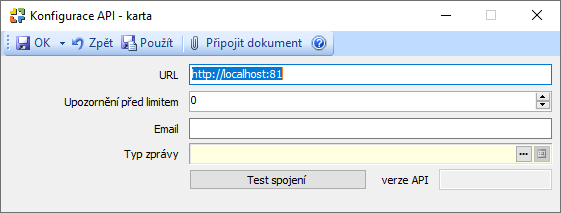
URL - the web server address (including the communication protocol and port number) where the API is installed, e.g. https://demo.moneyerp.cz
Warning before limit - the limit for notifying the user (No longer used)
Email - the email address to which the notification is sent (No longer used)
Message type - the message sending template (No longer used)
(No longer used) The license may include a limit on the number of permitted accesses (for writing) through the API. You can set the number of API accesses in this field. When the limit is reached, Money sends a notification to the address entered in the Email field to warn that the limit is about to expire; it sends a second notification when half of the configured number of accesses has been exceeded.
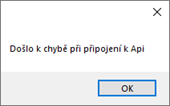
Test connection: tests the connection to the S5 API (if IIS is in suspend mode, this may take longer)
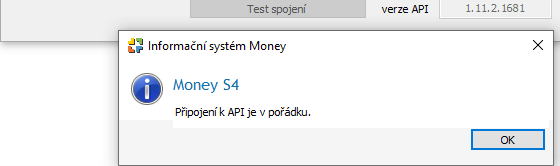
API version: the S5 API version is displayed here after a successful test
The API version is used to check whether the API version matches the Money version. If the API version is older than the Money version, we strongly recommend updating it as soon as possible; otherwise, errors may occur when transferring data through the API.
Setting API user permissions
API keys are linked to Money users.
User permissions for the GraphQL API are applied according to the standard Money user permission settings.
In the API user permissions, you must enable the /GraphQL endpoint, or the /GraphQL/Schema endpoint to access the schema and the /GraphQL/GraphQLDoc endpoint to access the documentation.
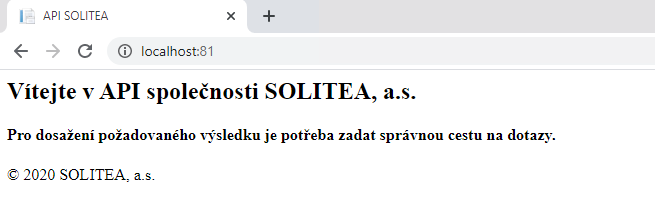
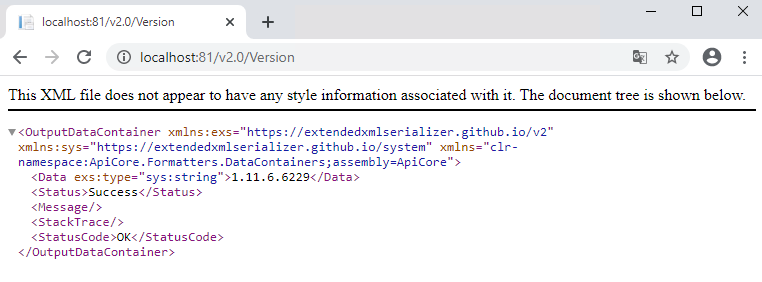
This is what a working API looks like. To display the Swagger documentation or use GrapQL, you need to configure the web.config and index.html files appropriately; see the Environment Settings section.